


Approved People
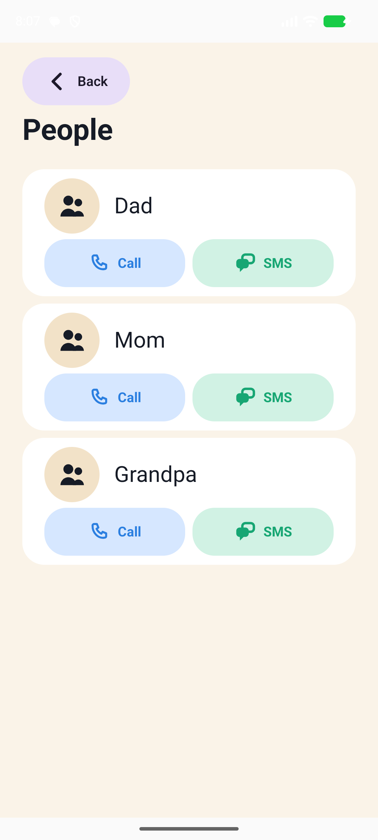
Inside Gulino, your child sees only the people you approved — and can reach you.
 Gulino
A calmer phone experience for kids
For the moments when your child needs a phone, but not their own. Turn Child Mode on for a simpler experience with the people, apps and tools you choose.
Turn Child Mode on · Hand it over · Take it back when you’re done

Gulino
Safe. Simple. Made for Kids.
Calm by design
Calm by design
Gulino is intentionally simple. It gives children the tools they need without competing for more of their attention.

Clear screens, predictable interactions and fewer things competing for attention.

A calmer interface keeps the focus on what the child came to do.

Gulino itself has no feeds, rewards or artificial engagement loops designed to keep children coming back. What an app you approve does inside it is up to that app.

People, apps and tools appear because the parent decided they belong there.

The goal is simple: use the phone, then get back to everything else.
Less distractions. More of what matters.
Only what the parent chooses
Instead of starting with a full smartphone and blocking things one by one, Gulino starts with the people, apps and tools you have chosen. Inside Gulino, your child sees those — and nothing built to keep them scrolling.
Setup is guided: Gulino walks you through becoming the phone’s Home screen and, if you want messaging, its messaging app. It takes a few minutes the first time and a moment every time after.
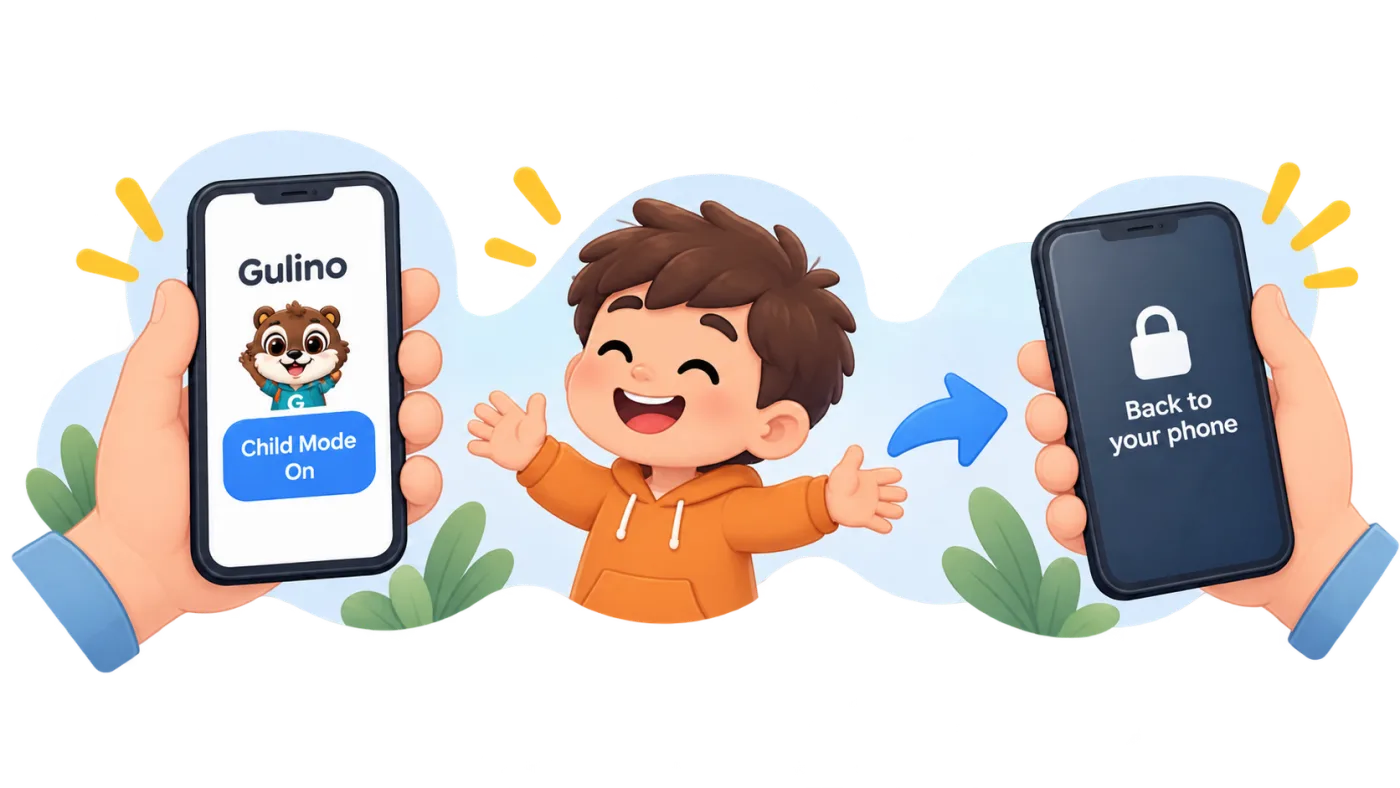

Choose the people, apps and tools your child can use. You do it once; you can change it any time in Parent Mode.

Turn Child Mode on and give the phone to your child. Their Home shows People, Messages, Apps and SOS — not a catalogue of locked things.

When you’re done, exit Child Mode with your Parent PIN and return to your regular phone experience. Your apps, accounts and data stay as they were.
When to use Gulino
Turn Child Mode on, leave a family phone with them, and choose the people, apps and tools your child can use. Grandma does not have to learn your phone, and your child can still call you. When you’re back, exit with your Parent PIN and return the phone to regular use.


The people who matter are close at hand; everything else waits.

Music, a game you approved, a camera — and no app store at 30,000 feet.

Enough to pass the time, nothing to disappear into.

A phone your child can be reached on, without your whole life inside it.

Set it up once and hand it over whenever it is needed.

Gulino can also stay on a spare or first phone for longer-term use. Grows when you decide.
Inside Gulino
While Child Mode is on, Gulino gives your child what matters, without the usual smartphone clutter.
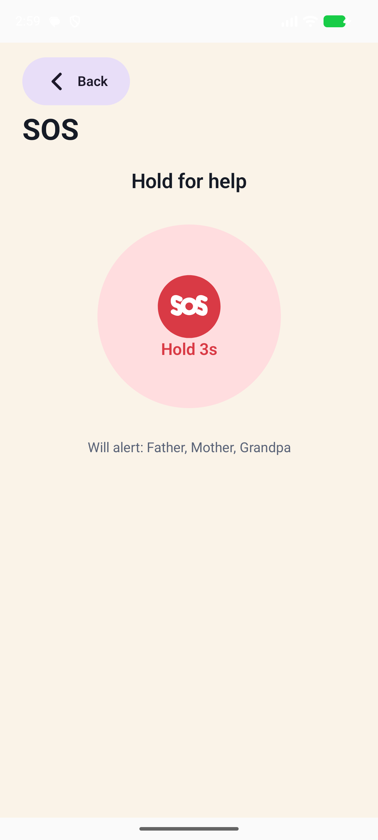
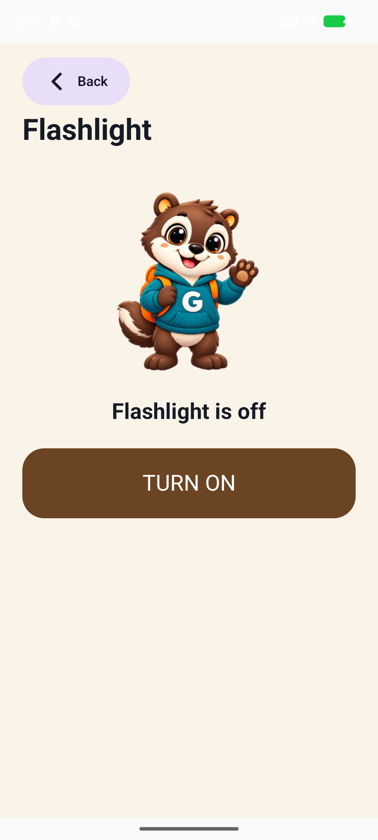
Four buddies
Guli, Capi, Owli and Axi change the artwork, never the rules. SOS looks the same in every one.
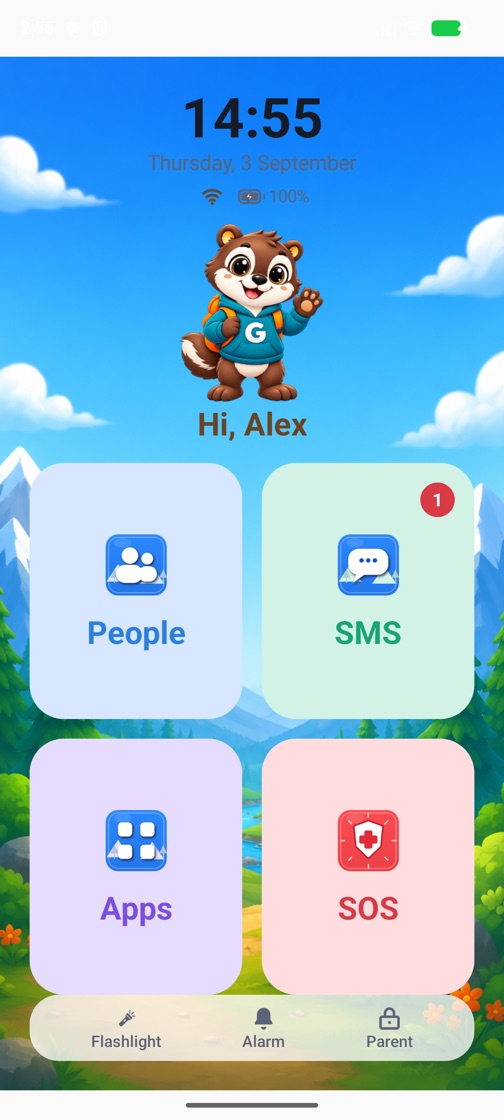
 Guli
Guli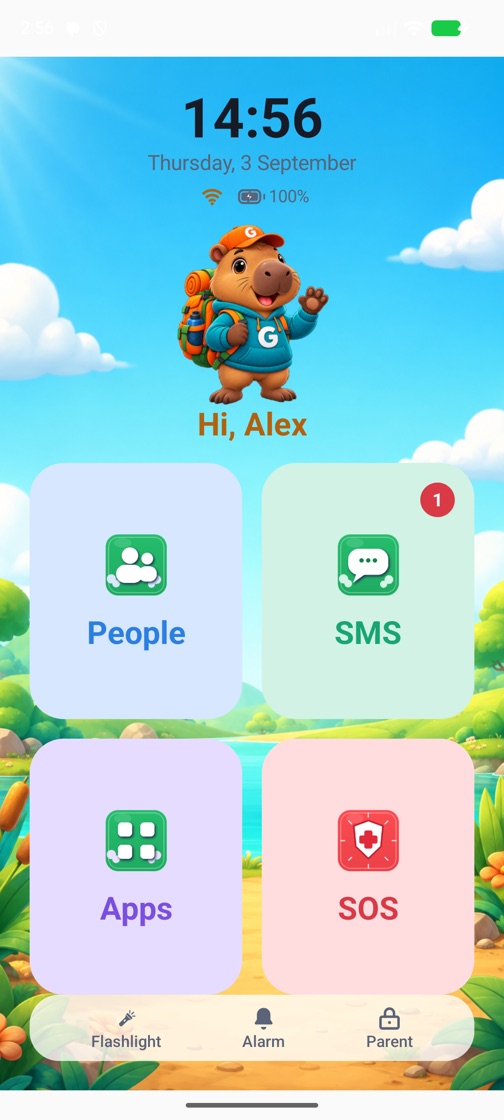
 Capi
Capi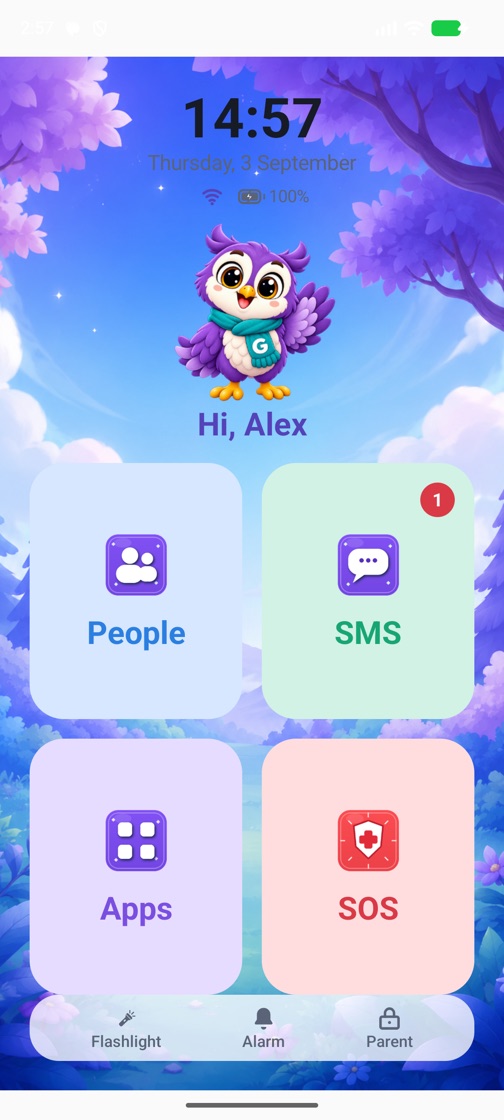
 Owli
Owli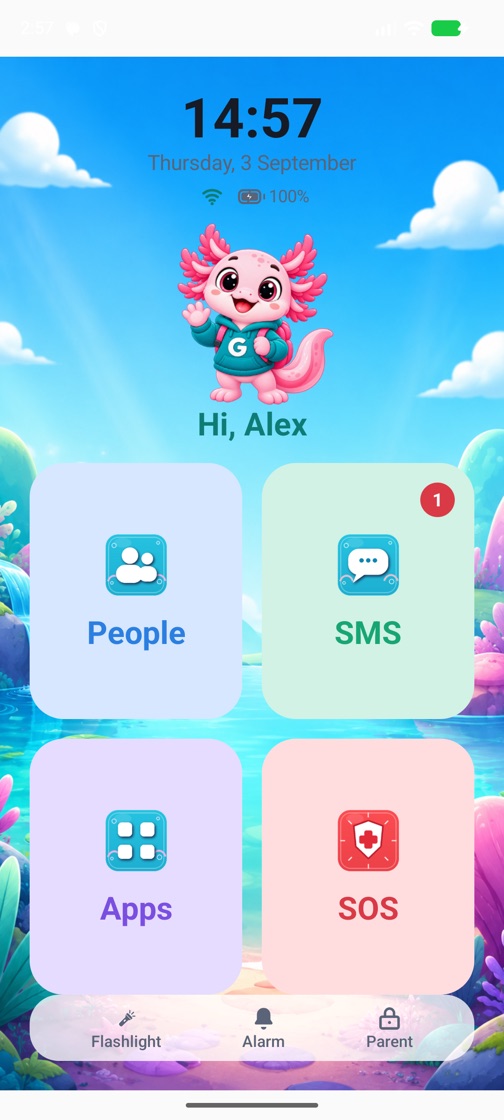
 Axi
AxiCore experience
The things a child actually needs on a phone they were handed for an afternoon.
Inside Gulino, your child sees only the people you approved — and can reach you.

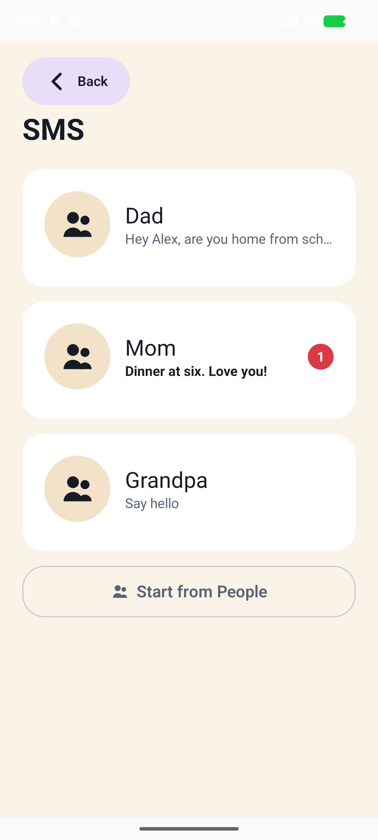
Keep calls and messages focused on the people you choose.

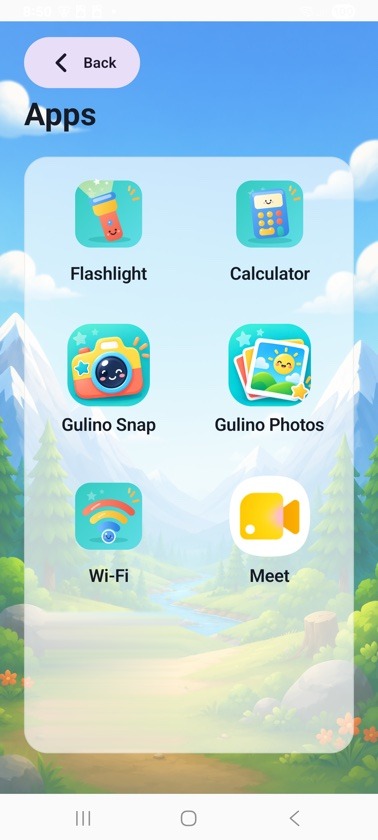
The child sees the apps you have chosen for them — not a catalogue of forbidden ones.

One clear place to ask trusted contacts for help. SOS is assistive software, not an emergency service — what it can and cannot do.

Flashlight, alarm, calculator, camera, photos and Wi-Fi stay easy to reach.

Parent settings stay behind parent authentication.
Multilingual
Available in 20 languages, so the child experience can feel familiar from the first screen.
See available languages
Protection
What Gulino does on the phone you hand over.
The Gulino experience on a compatible phone — the family phone you already have. The phone’s own system still controls parts of the device, so some system screens may remain reachable.
Gulino can always be removed, or its app data cleared, from the phone’s own Settings — even without the Parent PIN or the Parent Account. That ends Child Mode and returns Gulino to first-time setup; the phone’s other apps and data stay as they are. How it works.
Protection depends on the phone, its software version, the permissions granted and how it was set up. Gulino does not claim that every bypass is prevented.
Works with the phone you have. Gulino works best as the primary child experience on the phone. If another parental-control or device-management system already manages the Home screen, messaging or calls, some phone-level protections may remain under that system’s control. More in the FAQ.
Built by parents. Made for kids.
Gulino started from a simple parent problem: how do you give a child enough independence to call, be reached and use a few useful apps — without handing over the whole smartphone?
We built Gulino around that balance, because we live the trade-off too. Children need independence. Parents need simplicity, control and confidence.
A home screen with four things on it, and nothing to get lost in.
You approve people and apps once; every time you hand the phone over, Gulino remembers.
Keep Gulino on a spare or first phone and add more as your child is ready for it, instead of taking things away.
Safe. Simple. Made for Kids.
Questions about Gulino, a device or a setup? Get in touch.
14 days free for eligible new subscribers, then an annual subscription. Price shown in Google Play before you subscribe. No ads.